Starboard
Every plug-in here is a plug-in for Starboard, so Starboard comes first. It installs and runs a whole home media server from one accessible dashboard, and is light enough for an old laptop or a Raspberry Pi.
The current version
Starboard 0.29.0, released 23 November 2026, with plug-in API 1.17.0. Release notes for 0.29.0 (opens in a new tab).
Starboard is open source. Starboard on GitHub (opens in a new tab) has the code, and every release (opens in a new tab).
How to install it
Starboard runs on Linux Mint, Debian, Ubuntu Server and Raspberry Pi OS (64-bit). Start with the Run first script. On one of those systems, open a terminal and enter:
curl -fsSL https://raw.githubusercontent.com/TheMightyTRex/starboard/main/run-first.sh | bashIt checks the computer, installs Docker and anything else missing after you say yes, downloads Starboard and starts its installer. These are the step by step guides, written for each system:
- Start Starboard on Linux Mint (opens in a new tab) (recommended)
- Start Starboard on Debian (opens in a new tab)
- Start Starboard on Ubuntu Server (opens in a new tab)
- Start Starboard on Raspberry Pi OS (opens in a new tab)
The quick start in the README (opens in a new tab) has what each system needs and the commands in full.
What every plug-in needs from it
A plug-in asks for a plug-in API range in its manifest, such as 1.14 or later. Each Starboard release has one plug-in API version. Stallboard turns the range into the first Starboard release that has it, so each plug-in says "Needs Starboard 0.26 or later". If your Starboard is older, update it first: Starboard also offers an older version of a plug-in that suits it, where one exists.
| Plug-in API | First release | Released |
|---|---|---|
| 1.17 | Starboard 0.25.0 | 21 November 2026 |
| 1.16 | Starboard 0.23.0 | 19 November 2026 |
| 1.15 | Starboard 0.19.0 | 15 November 2026 |
| 1.14 | Starboard 0.18.0 | 15 November 2026 |
| 1.13 | Starboard 0.17.0 | 14 November 2026 |
| 1.1 | Starboard 0.16.5 | 11 November 2026 |
| 1.0 | Starboard 0.14.0 | 10 November 2026 |
Which plug-ins need which
- Starboard 0.18 or later: Ad blocking, Audio description, Audio description tracks, Calibre-Web, Checkrr, Direct play, Disk forecast, Download summary, Home Assistant, Jellystat, Kavita, Library health, Line speed, Maintainerr, Most watched, Navidrome, Picture shrinker, Remote access, Seerr, Styles, Tdarr, Themearr, Uptime Kuma, VPN check, Watch statistics, Watching now, Wizarr
- Starboard 0.19 or later: Create your own TV channel, Library clean-up
- Starboard 0.23 or later: Notifications, Philips Hue
- Starboard 0.25 or later: Backups watch, Uptime and status
What it looks like
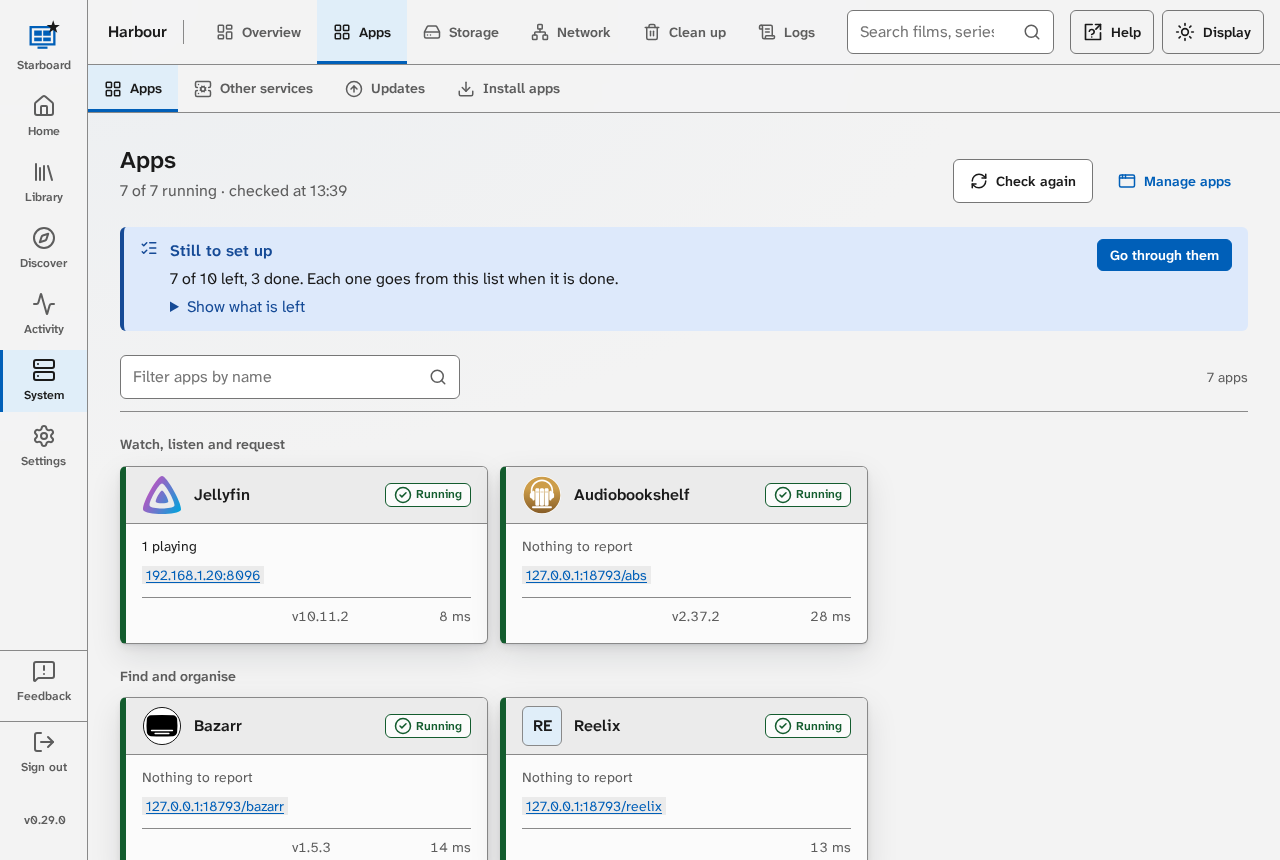
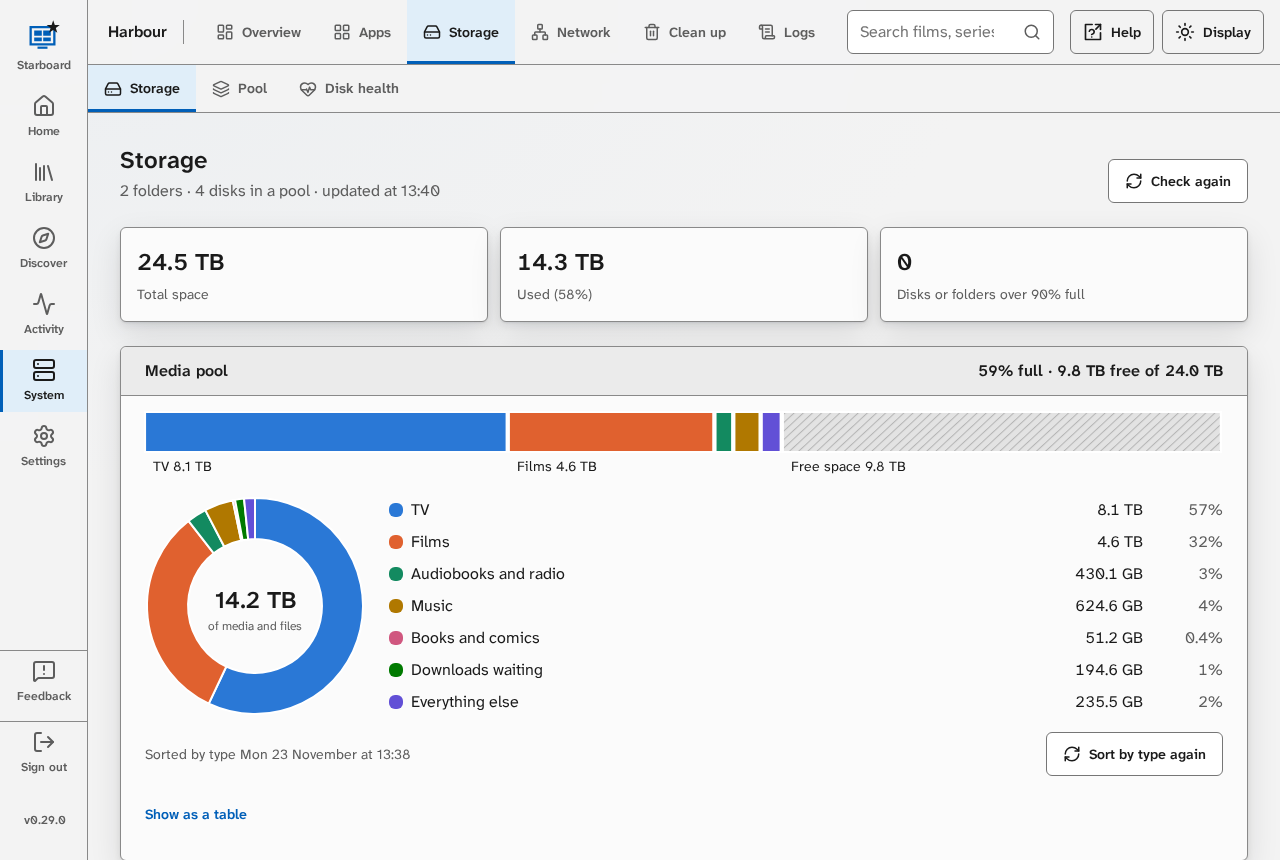
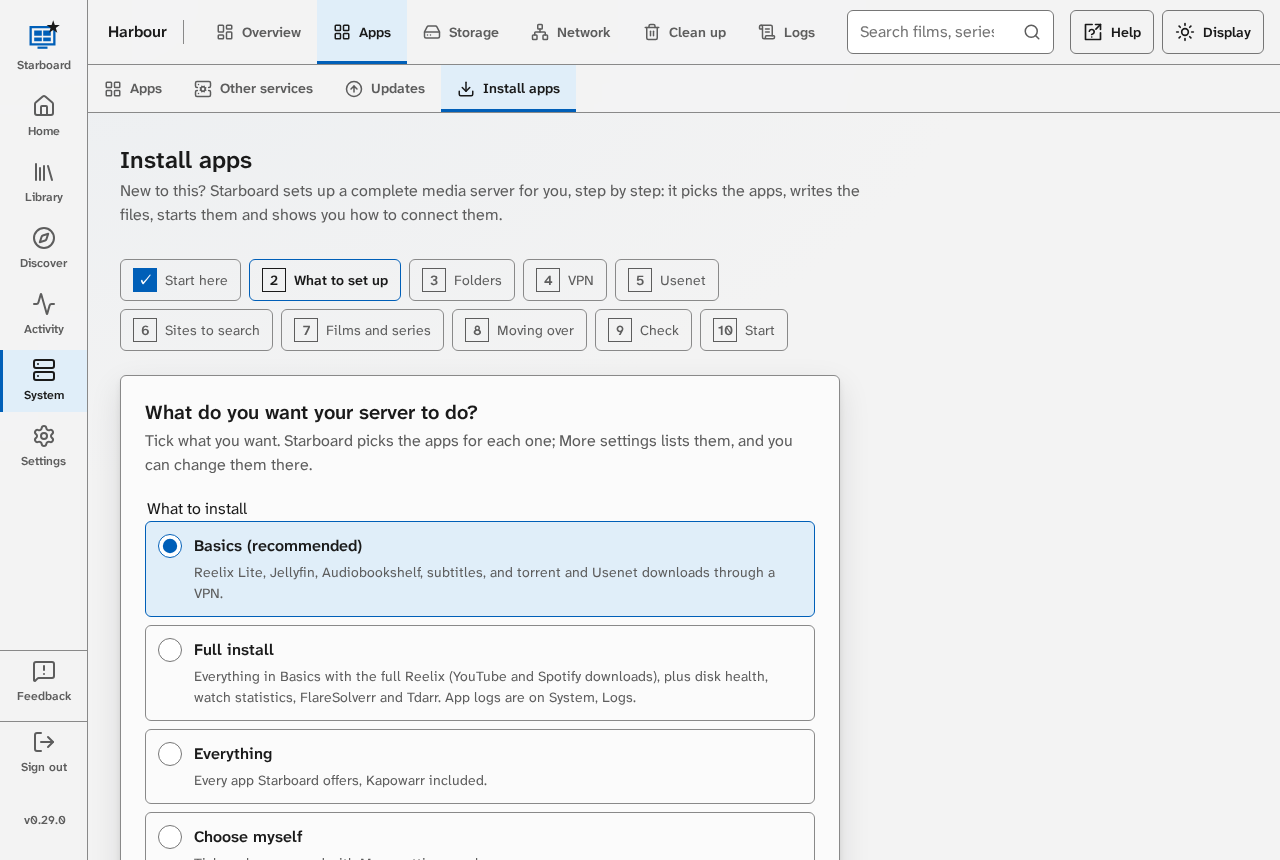
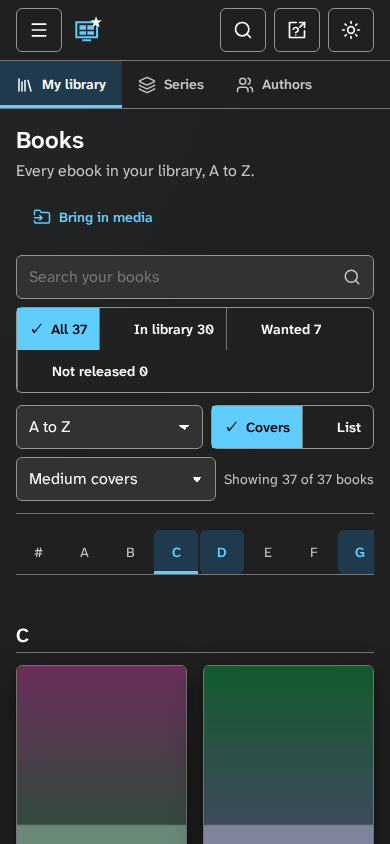
The pictures are from Starboard's own README and use example data.
Add Stallboard to Starboard
Once you have Starboard, add this store as a catalogue, and its plug-ins appear in your Catalogue.
- In Starboard, open Settings, then Plug-ins, then Catalogue.
- Under Catalogue sources, paste
https://themightytrex.github.io/stallboard/catalogue.jsoninto Catalogue address. - Select Add catalogue. Adding a catalogue installs nothing: each plug-in still shows what it asks for before you choose to install it.
Recent releases
- Starboard 0.29.0 release notes (opens in a new tab), 23 November 2026, plug-in API 1.17.0
- Starboard 0.28.0 release notes (opens in a new tab), 23 November 2026, plug-in API 1.17.0
- Starboard 0.27.0 release notes (opens in a new tab), 22 November 2026, plug-in API 1.17.0
- Starboard 0.26.0 release notes (opens in a new tab), 21 November 2026, plug-in API 1.17.0
- Starboard 0.25.0 release notes (opens in a new tab), 21 November 2026, plug-in API 1.17.0
- Starboard 0.24.0 release notes (opens in a new tab), 19 November 2026, plug-in API 1.16.0
- Starboard 0.23.0 release notes (opens in a new tab), 19 November 2026, plug-in API 1.16.0
- Starboard 0.22.0 release notes (opens in a new tab), 19 November 2026, plug-in API 1.15.0