Suggest a feature or an improvement
How-to
Tell the site's team what would make it better: something new it cannot do yet, or a better way to do something it already does.
Steps
- Select Send feedback.
- Under Make a suggestion, choose one: - A new feature: something the site cannot do yet. - Make something better: an improvement to something that already works. - Something else: a question, a thank you, anything.
- Under What do you want to show, choose Describe it in words, or One thing on the page if your suggestion is about a particular part. Then select Continue.
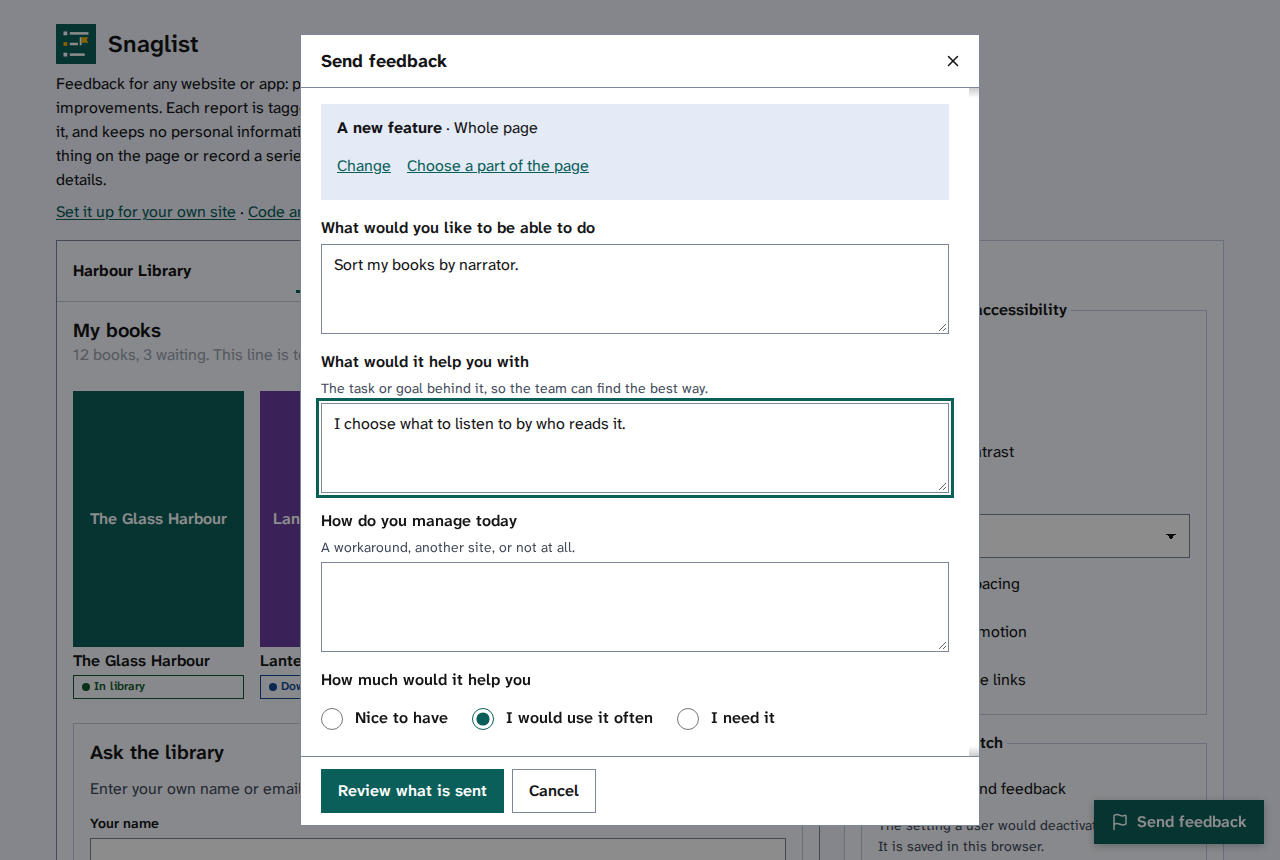
- Answer the questions. For a new feature, say what you would like to do and what it would help you with: the task behind it helps the team find the best way.
- Choose How much would it help you.
- Select Review what is sent, then read Check what is sent, then send it.