Use the set-up tool
How-to
The set-up tool asks what you want Snaglist to do on your site, then gives you the files, the code, where each piece goes, and one prompt that has an AI assistant add it all in one go.
Steps
- Open the set-up tool (opens in a new tab).
- Under Your site, enter its name and choose What it is built with, such as WordPress, React or plain HTML pages. The steps change to match.
- Choose What people can send, Where it goes, What reports record, Questions and ratings and When and how it shows. The code updates as you go.
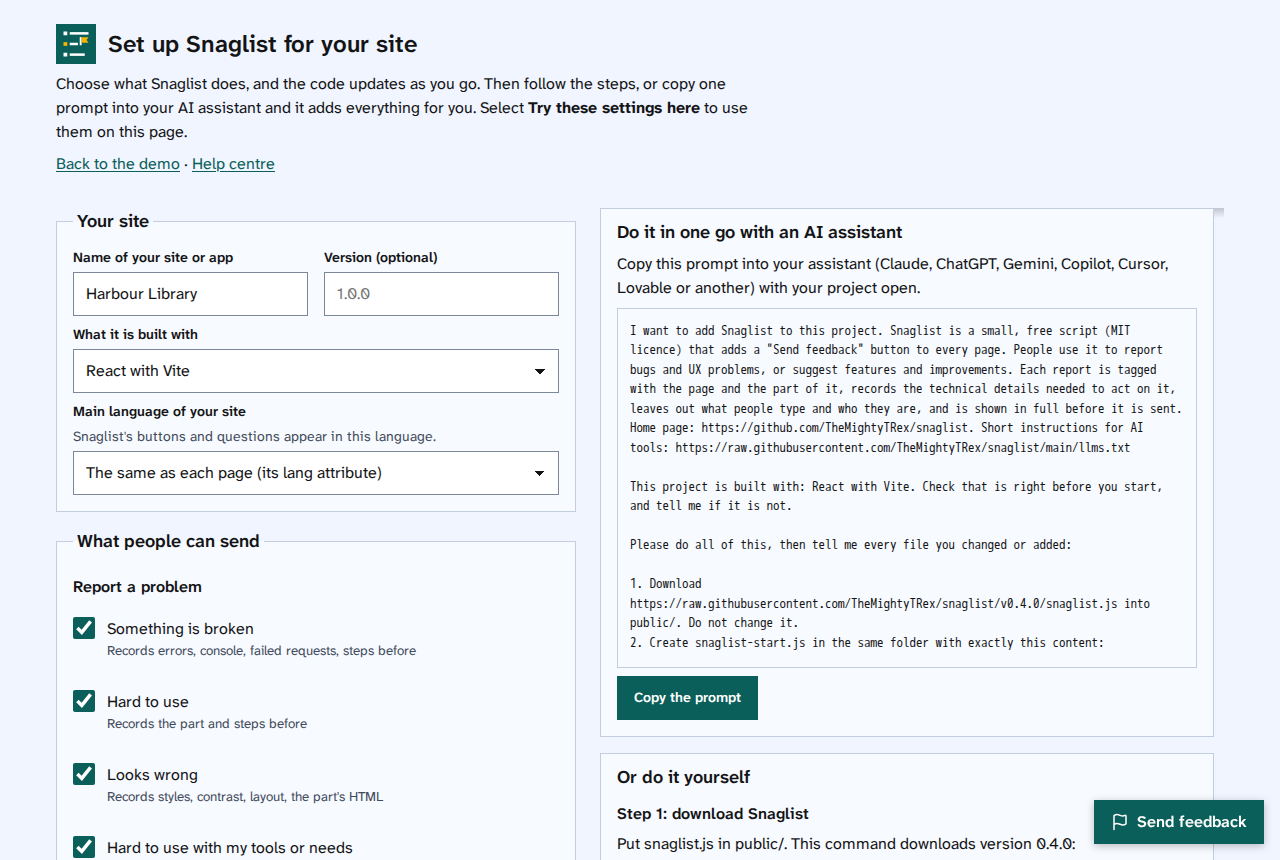
- Select Try these settings here to try them on the set-up page itself.
- Then either:
- select Copy the prompt and paste it into your AI assistant with your project open, or
- follow Or do it yourself: download
snaglist.js, save your settings assnaglist-start.jsin the same folder, add the two script lines where it says, and add the switch and labels if you chose them. - Open your site and select Send feedback to check it works.
Things to note
- Your settings live in one small file,
snaglist-start.js, next tosnaglist.js. To change them later, edit that file, or make a new one with the set-up tool. - Select 'Copy a link to these settings' to save your choices, or share them with someone else.
- The set-up tool runs in your browser. Nothing you enter in it is sent anywhere.