
Backups watch: Settings
Backups watch's settings are on its own tab: go to Settings, then Plug-ins, then Backups watch. Starboard draws them and keeps them; secrets are never shown again once saved.
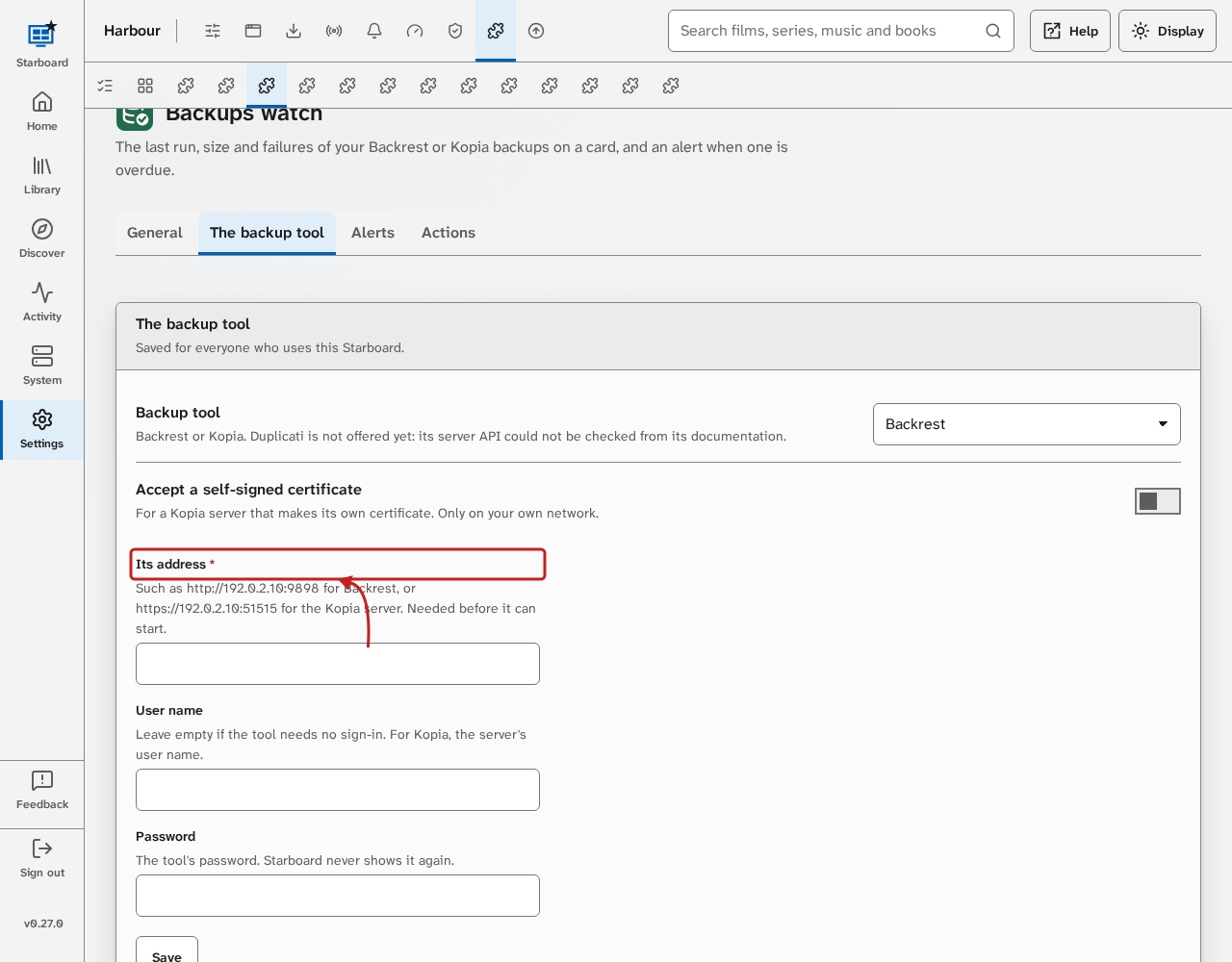
The backup tool
| Setting | What it does | Default |
|---|---|---|
| Backup tool | Backrest or Kopia. Duplicati is not offered yet: its server API could not be checked from its documentation. One of: Backrest, Kopia. | Backrest |
| Its address | Where the tool answers, such as http://192.0.2.10:9898 for Backrest, or https://192.0.2.10:51515 for the Kopia server. A web address. | Empty |
| User name | Leave empty if the tool needs no sign-in. For Kopia, the server's user name. Words. | Empty |
| Password | The tool's password. Kept secret by Starboard: it is never shown again. | Empty |
| Accept a self-signed certificate | For a Kopia server that makes its own certificate. Only on your own network. Activated or deactivated. | Deactivated |
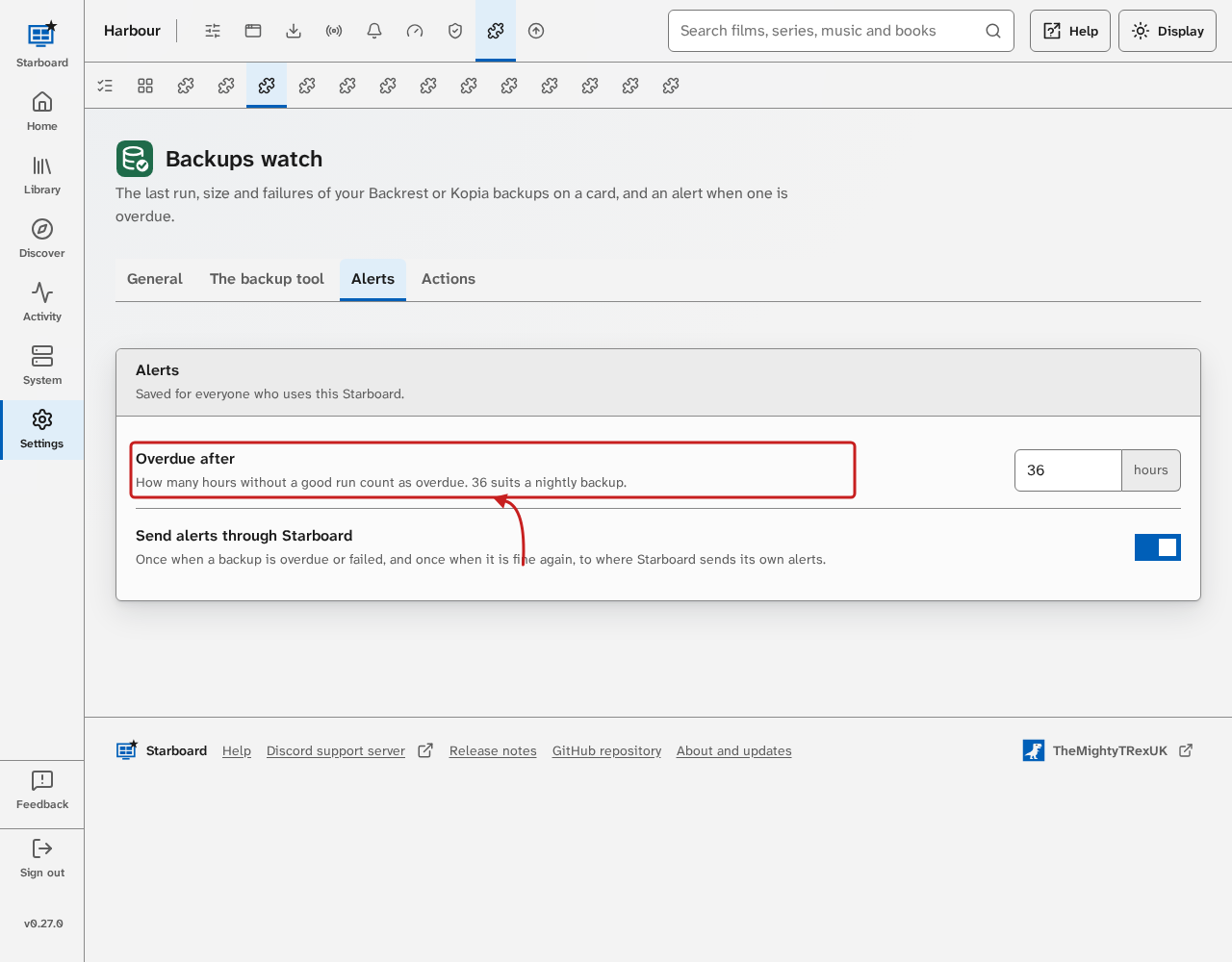
Alerts
| Setting | What it does | Default |
|---|---|---|
| Overdue after | How many hours without a good run count as overdue, from 1 to 1440. 36 suits a nightly backup. | 36 hours |
| Send alerts through Starboard | Once when a backup is overdue or its last run failed, and once when it is fine again, to where Starboard sends its own alerts. Activated or deactivated. | Activated |
Buttons
- Check now asks the tool straight away, instead of waiting for the hourly check. It says how many backups it read and how many need attention.
Good to know
- It checks once an hour. A backup is overdue when its last good run is older than Overdue after, or when it has never had one.
- For Backrest, each plan is one backup. For Kopia, each source (a user, a computer and a folder) is one backup.
- It keeps the last 30 runs it has kept of each backup, for the size card. A run that happened between two checks is not counted.
- Alerts need Starboard to take them from plug-ins, and that is on when Starboard's alerts are on in Settings, then Alerts.
Find out more
This page on GitHub, where the help is written.