
On this page
Immich: Settings
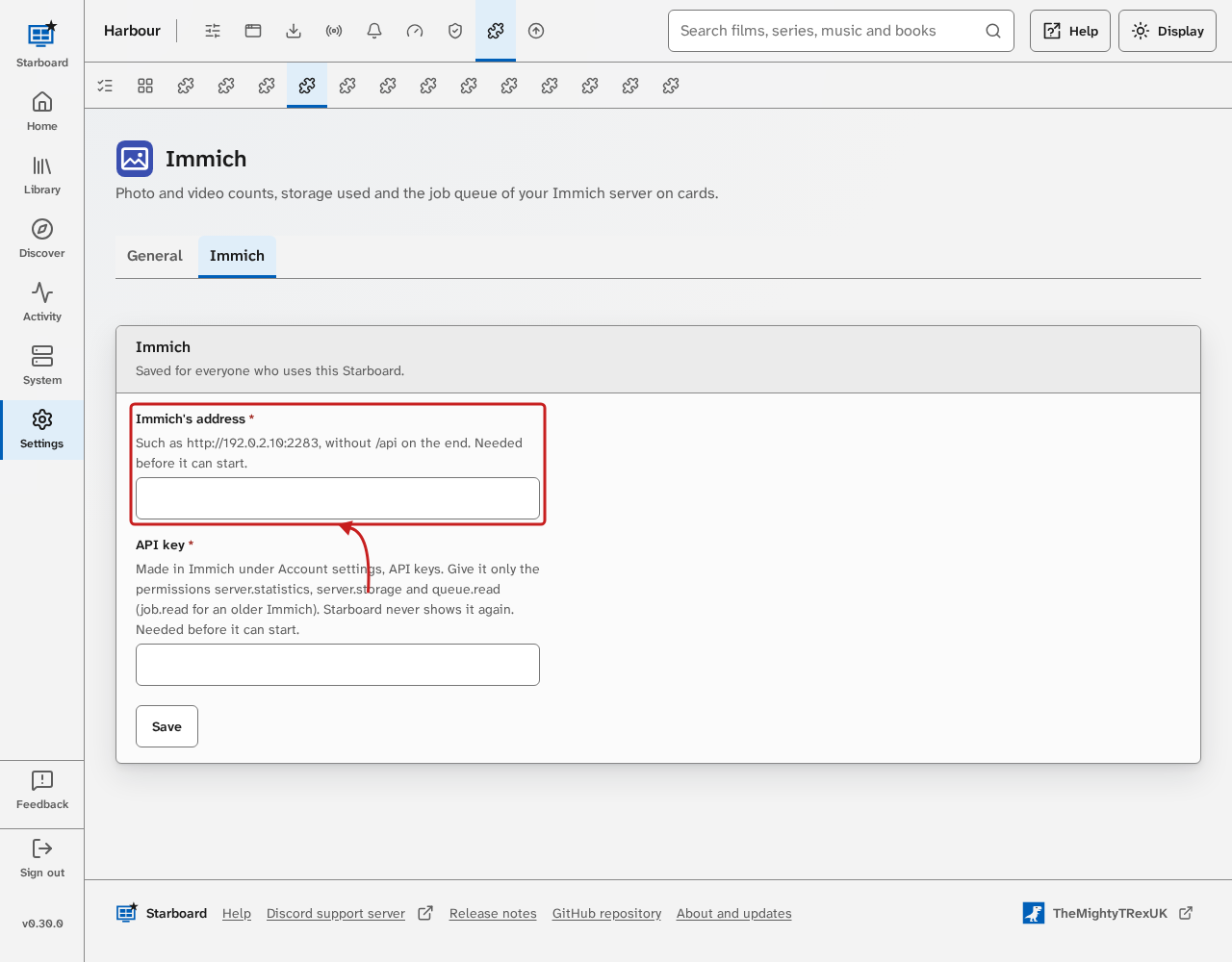
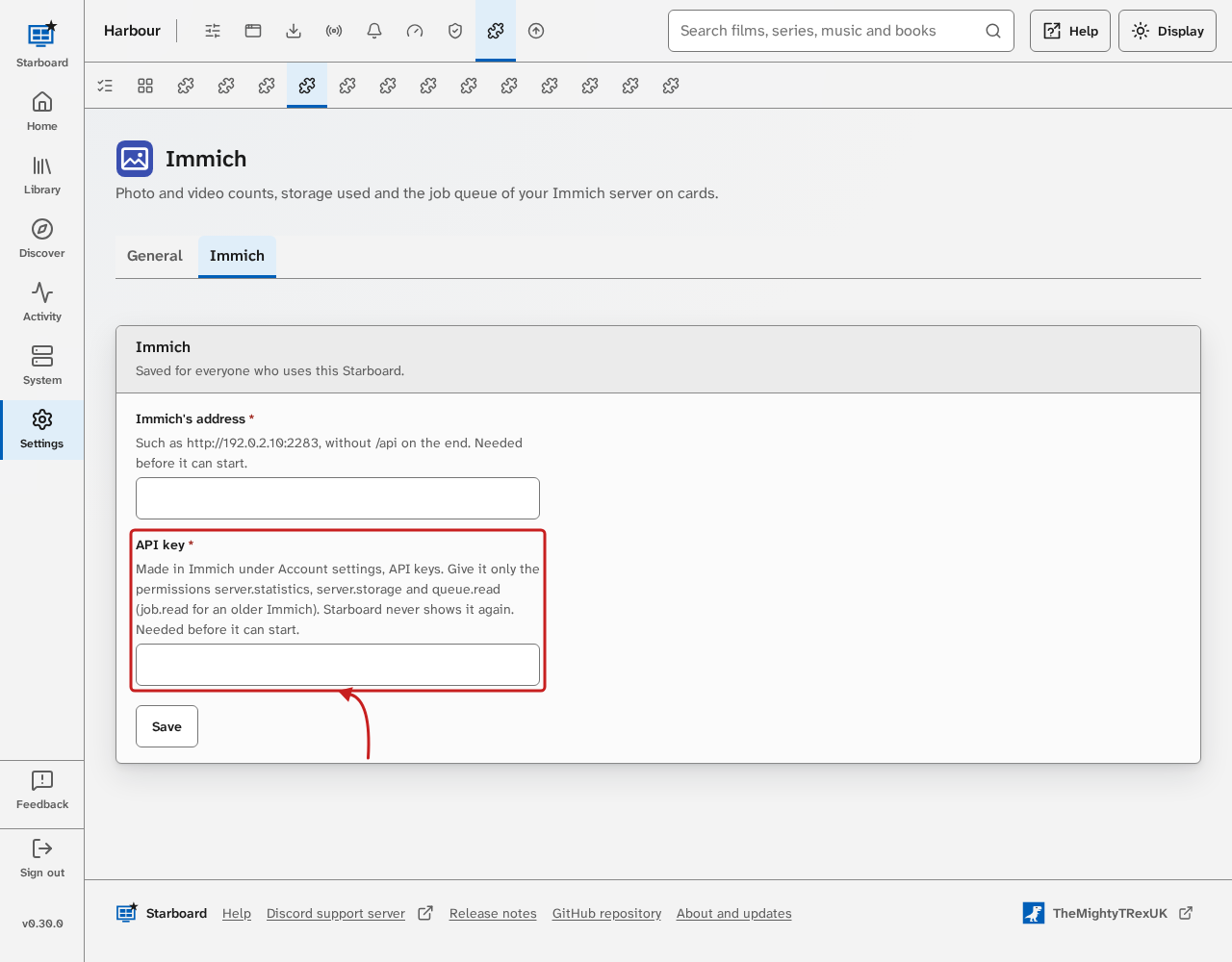
Immich's settings are on its own tab: go to Settings, then Plug-ins, then Immich. Starboard draws them and keeps them; secrets are never shown again once saved.
Immich
| Setting | What it does | Default |
|---|---|---|
| Immich's address | Such as http://192.0.2.10:2283, without /api on the end. A web address. Required. | Empty |
| API key | Made in Immich under Account settings, API keys. Give it only the permissions server.statistics, server.storage and queue.read (job.read for an older Immich). Kept secret by Starboard: it is never shown again. Required. | Empty |
Good to know
- Make a key for Starboard alone, so you can remove it in Immich if you stop using the plug-in. Read only permissions are enough: it never changes anything.
- Nothing is asked until a card is shown. Each answer is kept for a minute, so a dashboard with all three cards makes three small requests a minute at most.
- Where Starboard and Immich run on the same computer, use the computer's own address on your network, not
localhost: Immich's plug-in runs in its own container.
Find out more
This page on GitHub, where the help is written.