
On this page
UPS and power: Settings
UPS and power's settings are on its own tab: go to Settings, then Plug-ins, then UPS and power. Starboard draws them and keeps them; secrets are never shown again once saved.
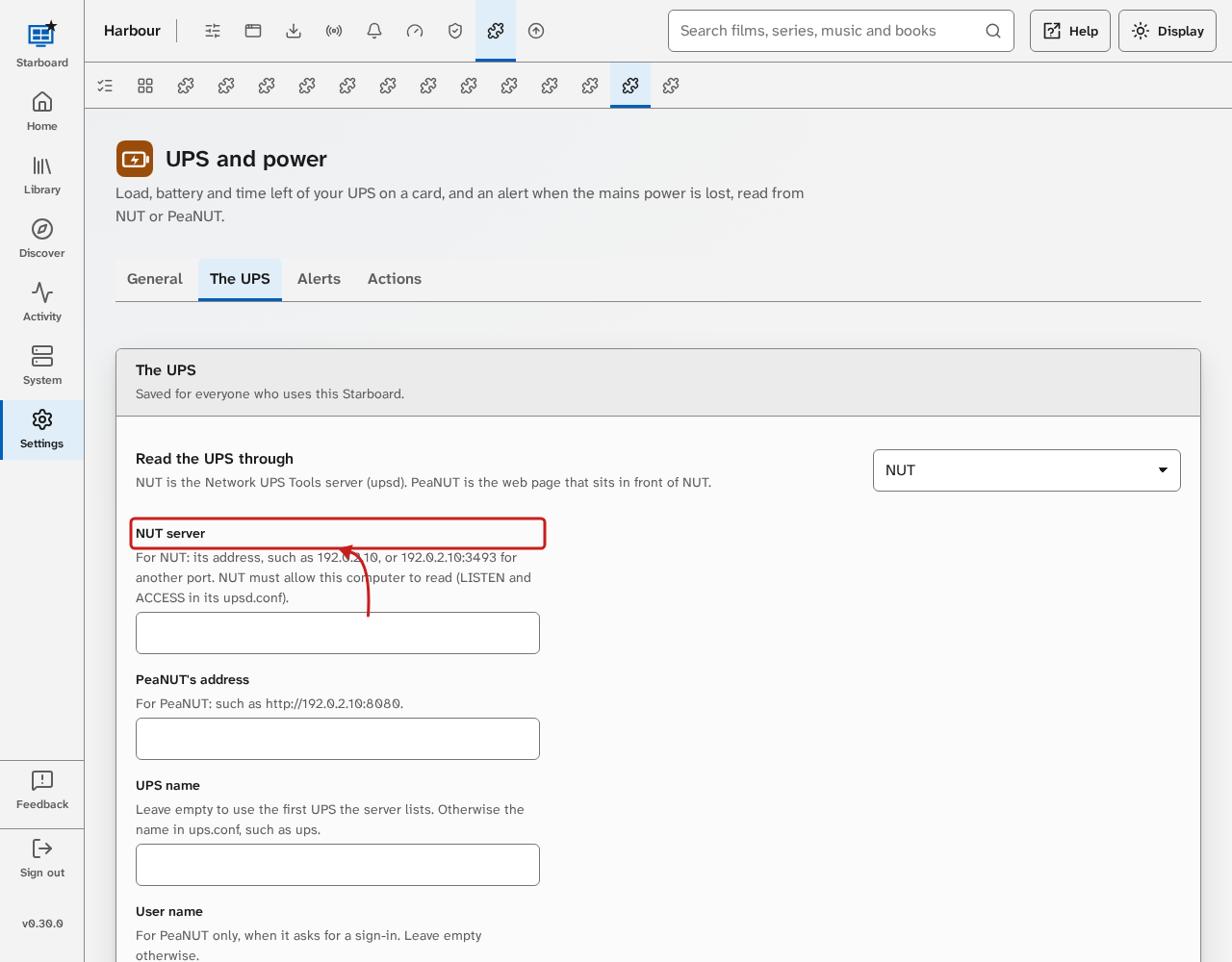
The UPS
| Setting | What it does | Default |
|---|---|---|
| Read the UPS through | NUT is the Network UPS Tools server (upsd). PeaNUT is the web page that sits in front of NUT. One of: NUT, PeaNUT. | NUT |
| NUT server | For NUT: its address, such as 192.0.2.10, or 192.0.2.10:3493 for another port. NUT must allow this computer to read (LISTEN and ACCESS in its upsd.conf). Words. | Empty |
| PeaNUT's address | For PeaNUT: such as http://192.0.2.10:8080. A web address. | Empty |
| UPS name | Leave empty to use the first UPS the server lists. Otherwise the name in ups.conf, such as ups. Words. | Empty |
| User name | For PeaNUT only, when it asks for a sign-in. Leave empty otherwise. Words. | Empty |
| Password | PeaNUT's password. Kept secret by Starboard: it is never shown again. | Empty |
Alerts
| Setting | What it does | Default |
|---|---|---|
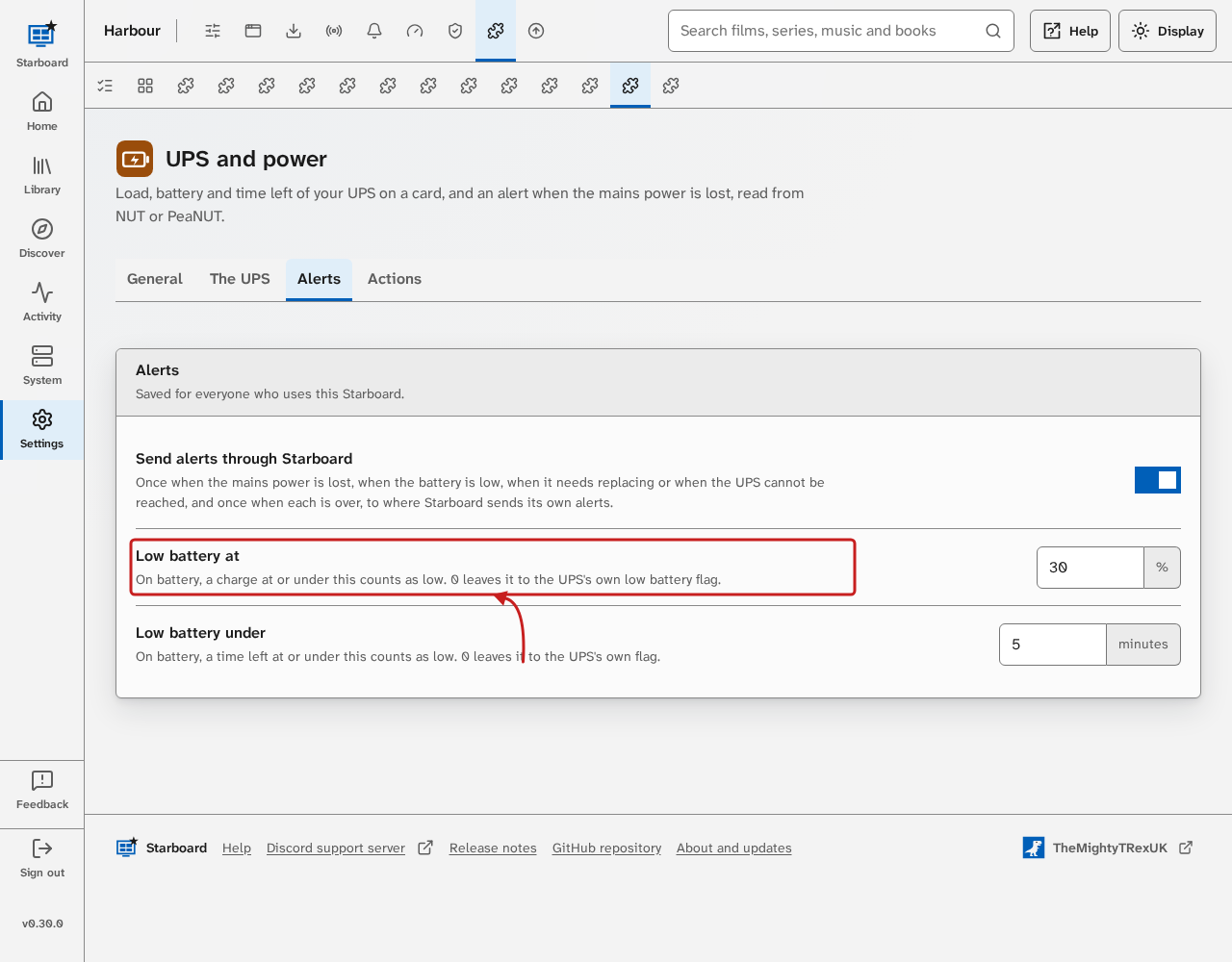
| Send alerts through Starboard | Once when the mains power is lost, when the battery is low, when it needs replacing or when the UPS cannot be reached, and once when each is over, to where Starboard sends its own alerts. Activated or deactivated. | Activated |
| Low battery at | On battery, a charge at or under this counts as low, from 0 to 99. 0 leaves it to the UPS's own low battery flag. | 30 % |
| Low battery under | On battery, a time left at or under this counts as low, from 0 to 600 minutes. 0 leaves it to the UPS's own flag. | 5 minutes |
Buttons
- Check now asks the UPS straight away, instead of waiting for the next minute. It says whether the UPS is on mains power or on battery, and its charge.
Good to know
- It asks once a minute. A power cut that ends within a minute may pass unnoticed.
- NUT's own
upsmonis what shuts a server down when the battery runs out. This plug-in only tells you. - Alerts need Starboard to take them from plug-ins, and that is on when Starboard's alerts are on in Settings, then Alerts.
- An alert for the UPS being out of reach is sent after three minutes without an answer, not at the first missed one.
Find out more
This page on GitHub, where the help is written.