How-to
Underline links
Underline links puts a line under every link in Starboard, so a link is shown by its line as well as its colour. It is in Display, applies at once, and is kept in the browser you use.
Who it helps
- People who find some colours hard to tell apart, including people with colour vision differences.
- People with low vision, or using a display with poor contrast.
- Anyone who wants to tell at a glance what is a link.
Steps
- Select Display, the last button in the header. The Display and accessibility slide-out opens.
- Activate Underline links. Every link on the page behind is underlined at once.
- Select Done, or press Escape.
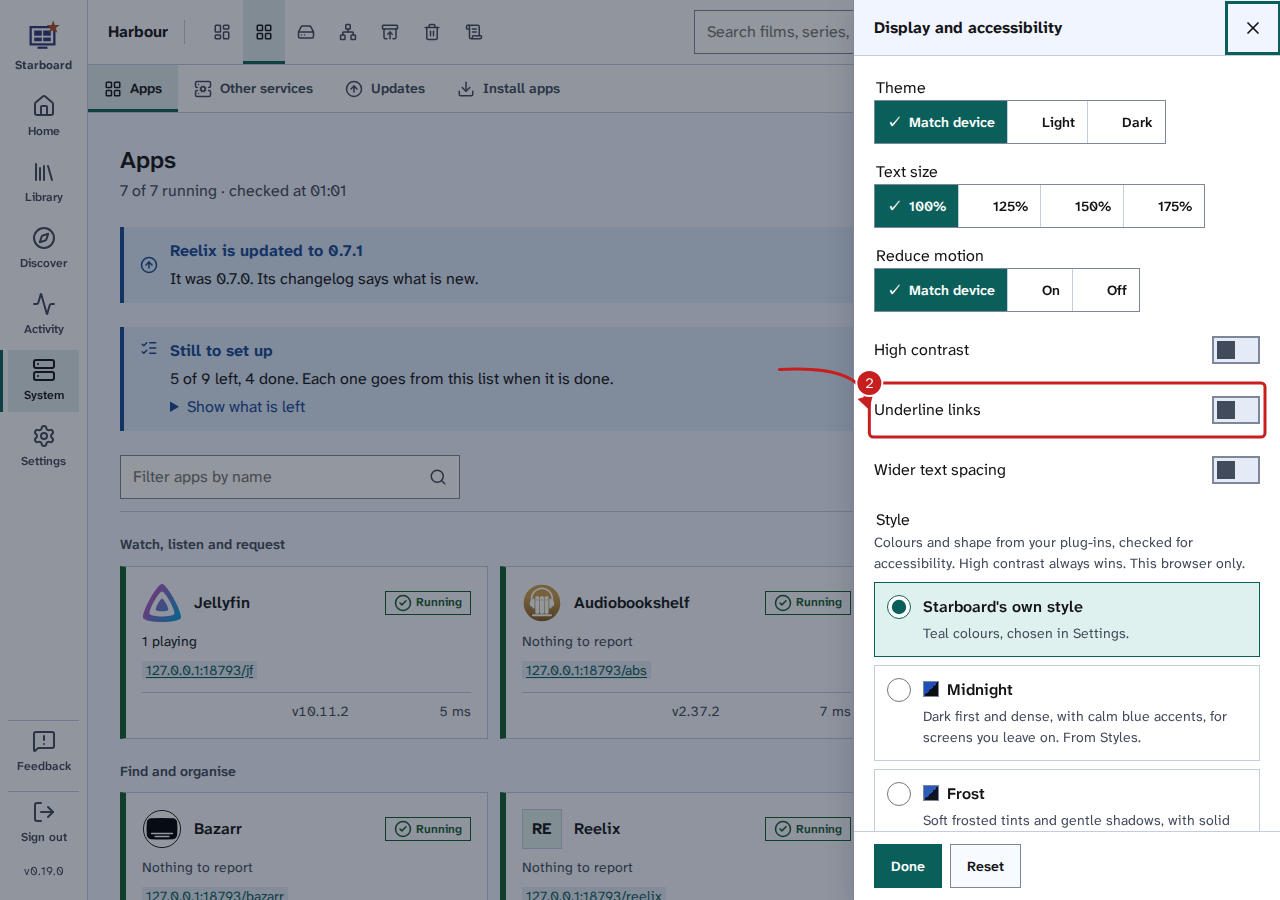
To stop underlining links, deactivate Underline links the same way, or select Reset to put every Display choice back to its default. The same switch is in Settings, then General, then Appearance, under Accessibility: Space activates or deactivates it, focus stays on it, and Saved is said.
What it changes
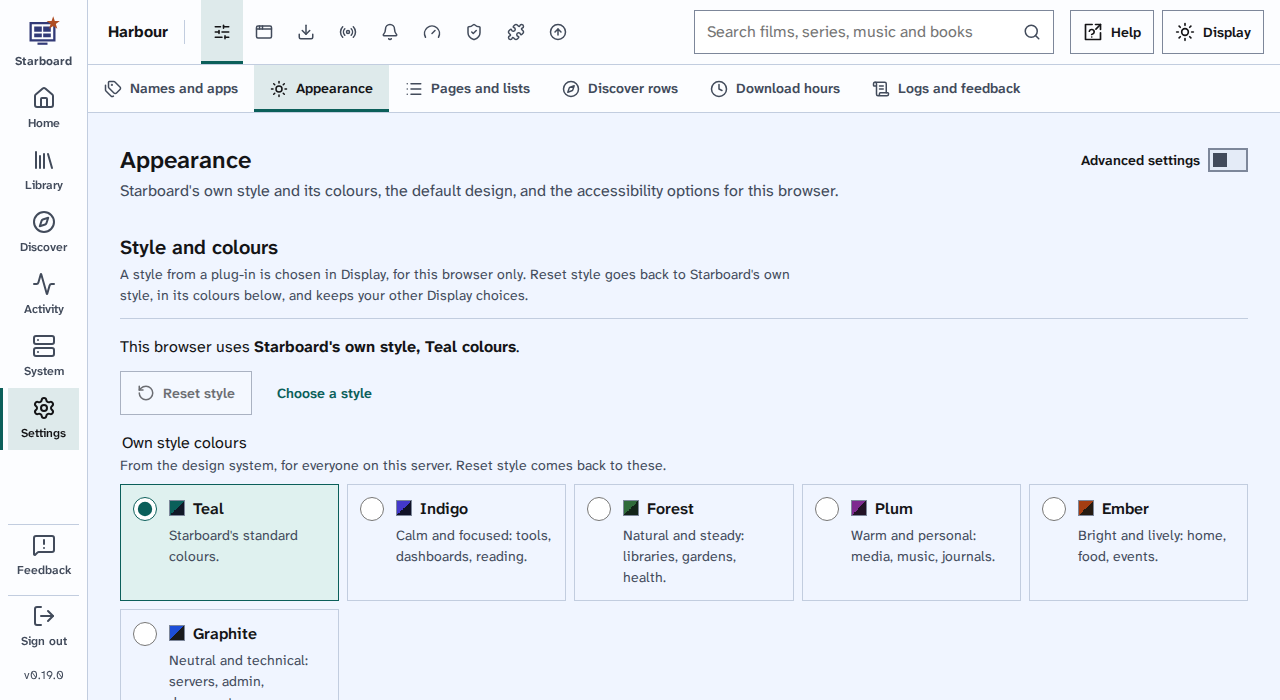
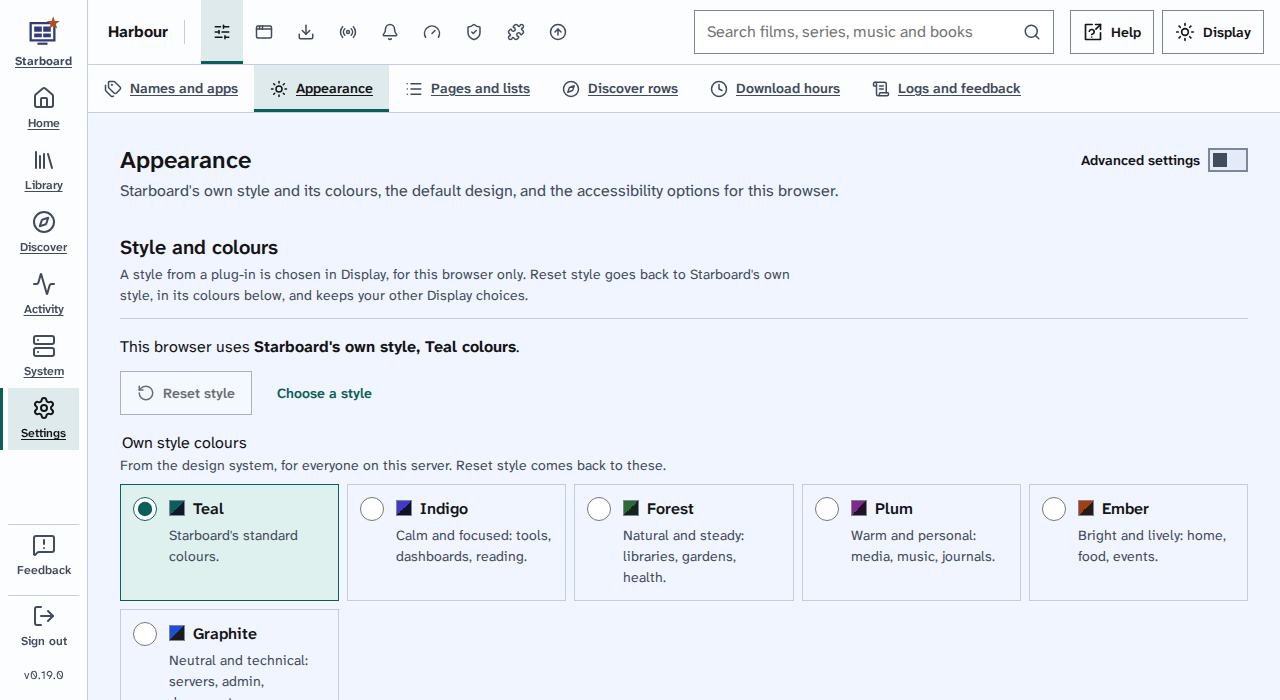
Links are shown in the accent colour. With Underline links active, every link also has a line under it, including links styled as buttons, such as Manage apps.
Things to note
- Underline links is kept in this browser only. Each phone, computer and browser has its own.
- It also works with styles from plug-ins: a style can never take the underline away.
Find out more
This page on GitHub, where the help is written.