On this page
How-to
Finish what is still to set up
After you install your apps, Starboard lists what is left to do, such as adding a site to search or finishing Jellyfin's set-up. Go through them takes you through the list one item at a time.
Before you begin
- You installed apps with Starboard. Read Install apps with Starboard.
Steps
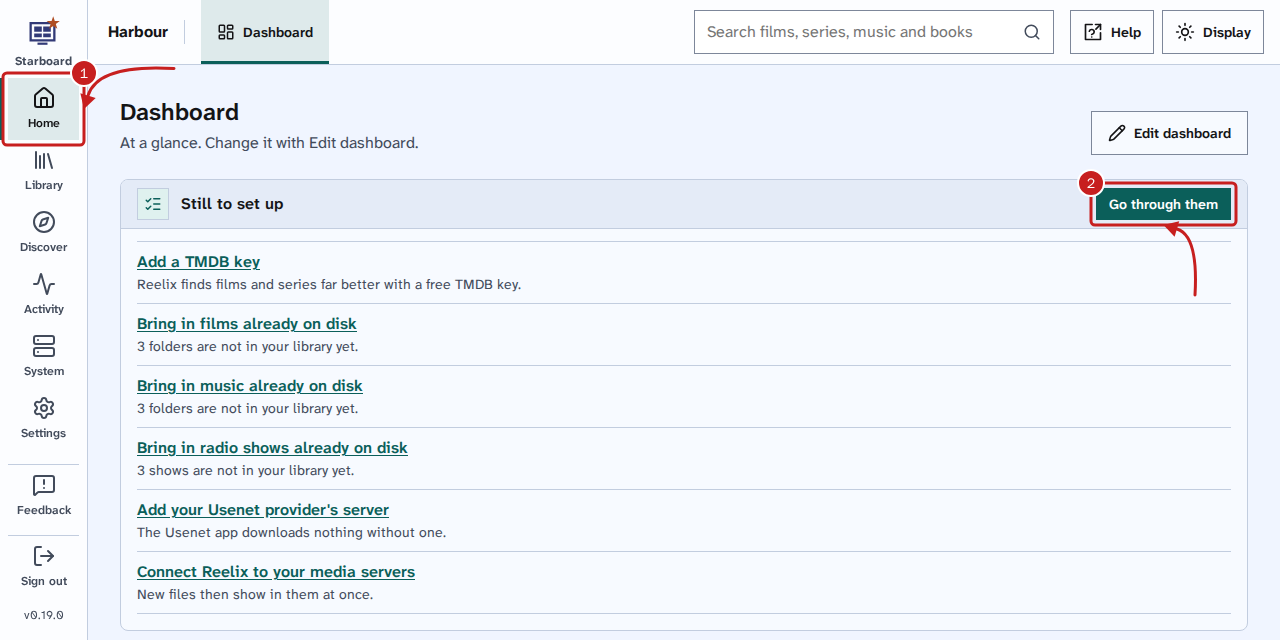
- Go to Home, then Dashboard, or to System, then Apps. Still to set up lists each item, with why it matters.
- Select Go through them, at the right of the card's band. A side panel called Still to set up opens at the first item, such as Step 1 of 6.
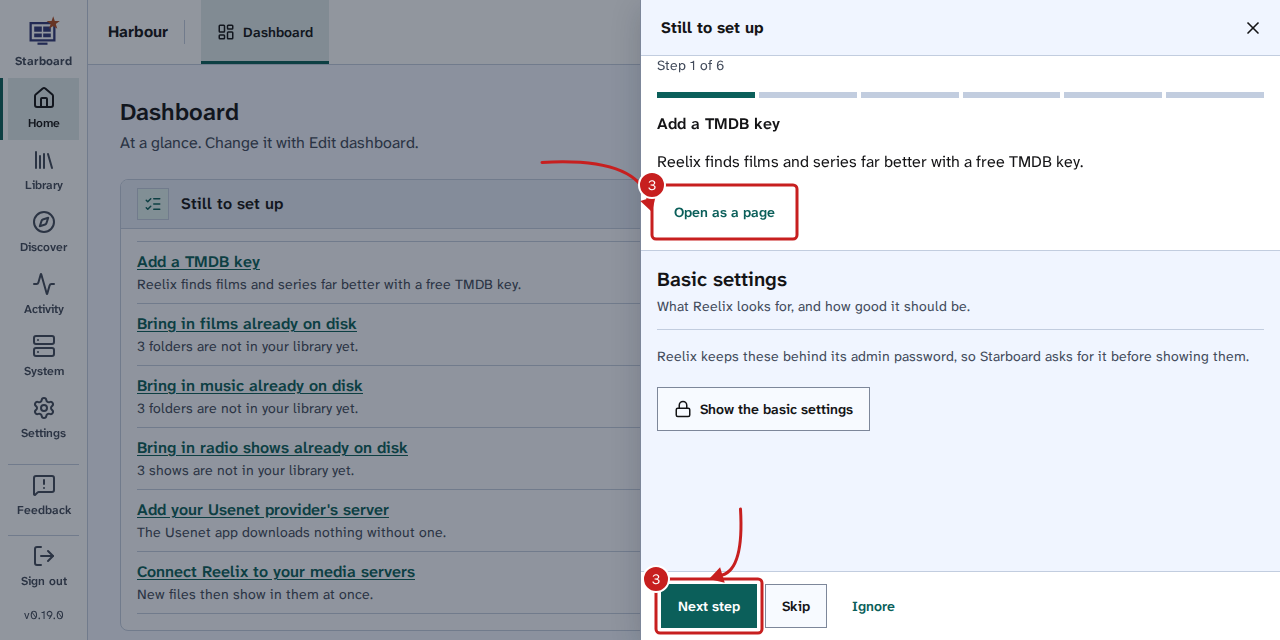
- The panel shows only the part of Starboard that does this item, such as Reelix's Basic settings for Add a TMDB key. Do it there, then choose one of these: - Open as a page: opens the whole page instead, if you need more room. - Done: for a guided step in another app, such as Tdarr or Soulseek. Follow the step in that app, then select Done, because Starboard cannot tell when it is finished. - Next step or Skip: leaves it on the list for later and goes to the next item. On the last item, Next step is called Finish. - Ignore: takes it off the list, and Starboard does not ask about it again.
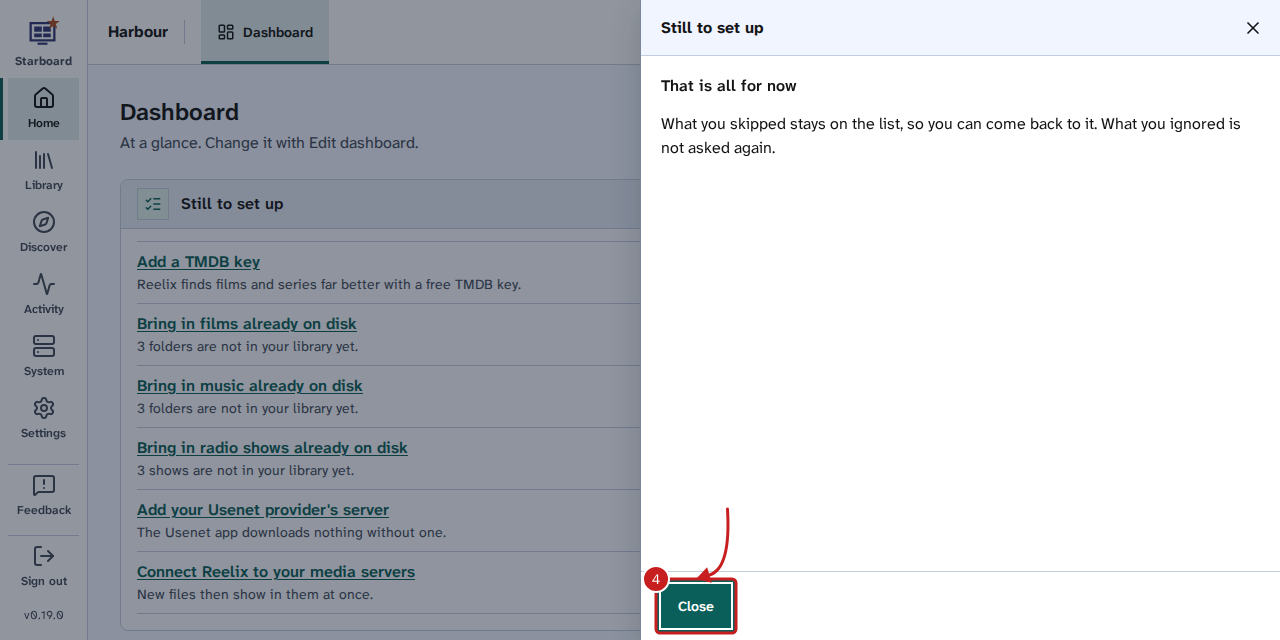
- At the end, the panel says That is all for now. Select Close.
You can also select an item's name in the list to go straight to the place that does it.
Things to note
- Each item goes from the list by itself when Starboard finds it done. The list goes when everything is done.
- The panel opens only when you select Go through them. If you leave it with Open as a page, it carries on where you were when you come back to the list.
- To get ignored items back, select Bring back and the number ignored on the Apps page.
- The items depend on your install. They can include Add a site to search, Connect a download app, Add a TMDB key, Add your Usenet provider's server, Finish Jellyfin's set-up and Connect Reelix to your media servers.
Find out more
This page on GitHub, where the help is written.